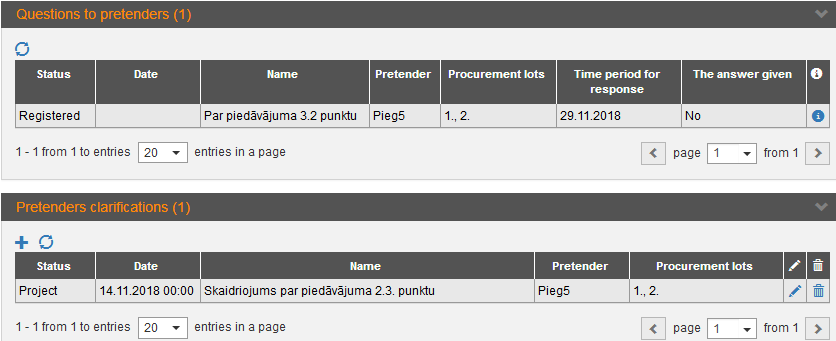
Questions to pretender are maintained in the section „Documents – Questions to pretenders”. Pretenders’ clarifications add in the block „Pretenders clarifications”.
The responsible person indicated in the proposal receives a notification (or a task – if the deadline for the submission of an answer is specified) when the customer has sent a question in the system.
Note! Block isn’t available for Design contests.
Picture 212. Questions to pretenders and pretenders clarifications
|
Interface element |
Description |
|
Questions to pretenders |
List of Customers’ questions to pretender sent within the system. To add an answer, open the question and make the answer by clicking the button Answer. You can answer (submit clarification) also by making the new entry in the block „Pretenders clarifications”. |
|
Pretenders clarifications |
To add answer to one or more questions, click the
icon |
 , fill in the clarification
form, add file and specify the related question (see the picture below).
, fill in the clarification
form, add file and specify the related question (see the picture below).