ESPD answer files can also be stored in the “Documents – ESPD" section of e-tenders system, thereby ensuring that they will be available in other procurements also to other users of the organization –this file can be used in other procurements by ‘Get data from ESPD’ option.
To save ESPD response file in the system:
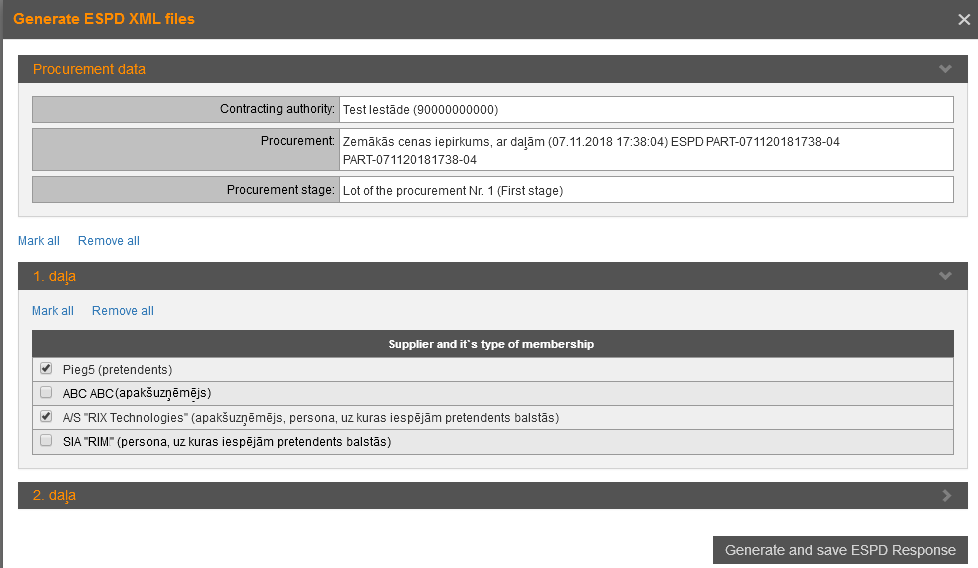
1. In the proposals section “Submission” click the button Save ESPD response file – opens the form to select suppliers (persons or organizations registered in EPS) and initiate the generation:
Picture 196. Generate and save ESPD response file
2. Mark suppliers whose information to include in the ESPD reply .xml file and click Generate and save ESPD Response – system generates ESPD .xml file (overwriting the response file generated previously for the proposal, if any) and adds it in the section "Documents-ESPD" (see 32 ESPD document environment – for pretender).