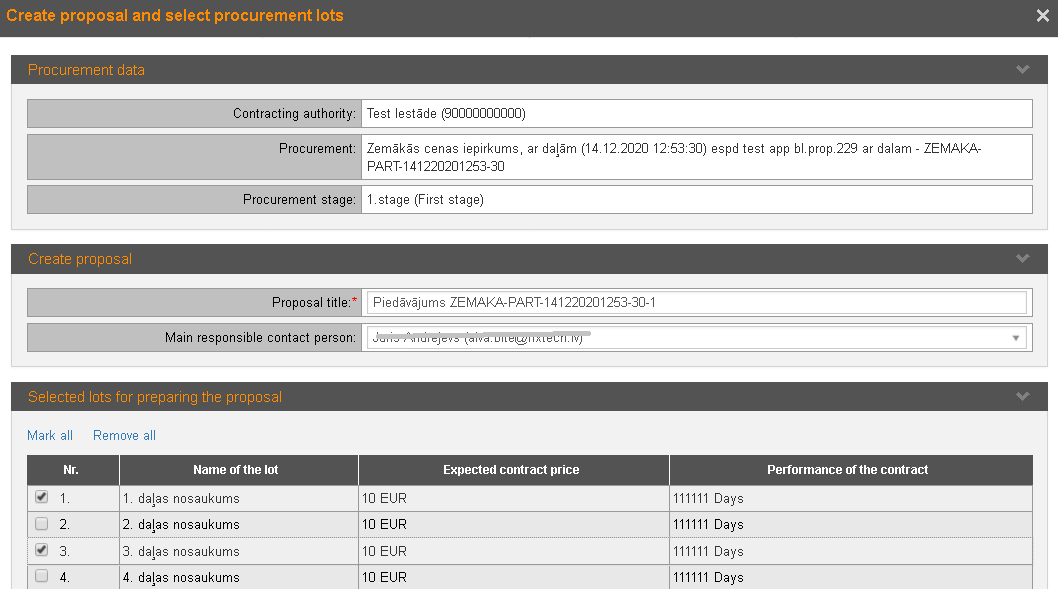
To start the preparation of the proposal, in the procurement form „Basic data” click the button Create proposal – the form opens where lots can be selected.
If the procurements is in the status of ‘Established DPS’, click the button Create DPS application to create new DPS application (see 30.4 Submission of DPS applications).
Picture 175. Selection of procurement lots