Depending on the procurement management process, procurements may completely electronically processed in the system (in this manual – procurements) or procurements with a simplified processing cycle or small procurements. The way to prepare and submit proposals in the system is the same for both procurement types.
Pretender can:
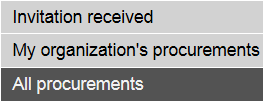
− Find procurements using procurements selecting block in the left side of the screen, selecting procurements, in which the invitation is sent to the pretender or selecting its organization procurements (pretender has started proposal preparation in the system), or all procurements:
Picture 163. Procurements selection block
− Find procurements using advanced search (see 14.1 List of procurements and simple search.
Following information is maintained about procurement:
− „Summary” – summary information about procurement (see 14.3 Procurement data summary
− „Basic data” – information about procurement and its stages, available operation to create the proposal (see 14.4 Procurement basic data, start the proposal preparation).
− „Proposal” – the list of pretender’s proposals (see 14.5 Procurement’s proposals list).
− „Documents” – procurement documents, pretenders’ questions, answers and other documents related to the procurement (see 18 Documents – for pretender).
− „Opening” – proposals opening information, available possibility to register for opening meeting (see 16 Proposals opening – for pretender).
− „Tasks” – tasks related to procurement’s proposals (see 19 Tasks).
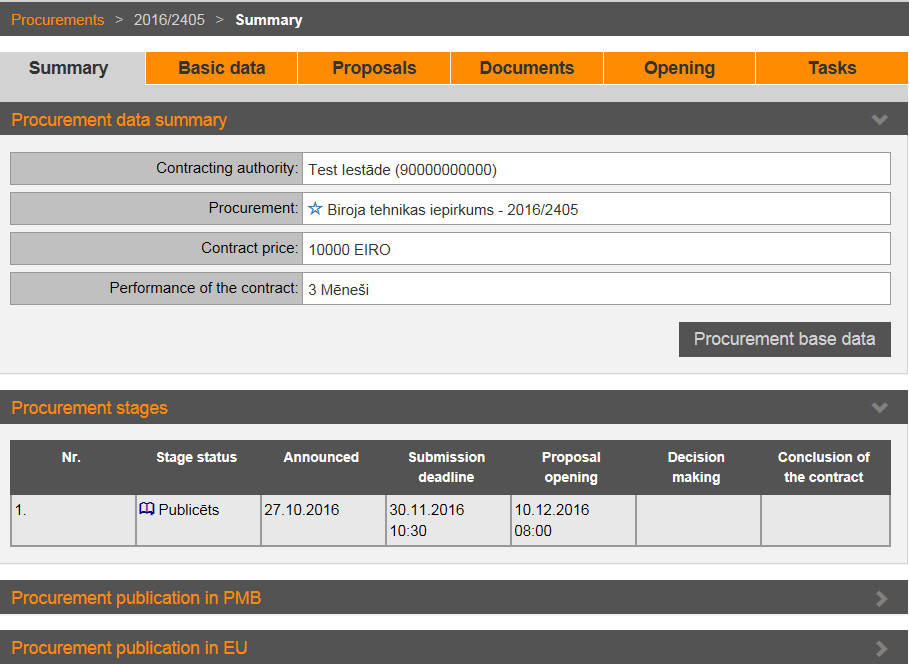
Picture 164. Procurement’s data